Feed Cem TEZCAN [copy] https://yewtu.be/feed/channel/UCGcjzzEmGThh35eeDkvydeg has loading error: A feed could not be found at `https://yewtu.be/feed/channel/UCGcjzzEmGThh35eeDkvydeg`; the status code is `200` and content-type is `text/html`
Feed designboom magazine [copy] http://shalnoff.co.uk/rss.php?rss=designboom has loading error: cURL error 22: The requested URL returned error: 403 Forbidden
Feed formalista.ru [copy] http://feeds.feedburner.com/Formalista?format=xml has loading error: http://feeds.feedburner.com/Formalista?format=xml is invalid XML, likely due to invalid characters. XML error: > required at line 12, column 61
Feed Kinote.info [copy] http://kinote.info/sections/blog/articles.xml has loading error: https://kinote.info/sections/blog/articles.xml is invalid XML, likely due to invalid characters. XML error: Invalid document end at line 1031, column 7
Couple of old works revived

While the article announced last week continues cooking itself, as an intermission here goes a couple of images which I found in the attic of a hard drive and tried to shake some dust off this week.
Masquerade
Grande Pellicano
Lets Play: Ancient Greek Geometry
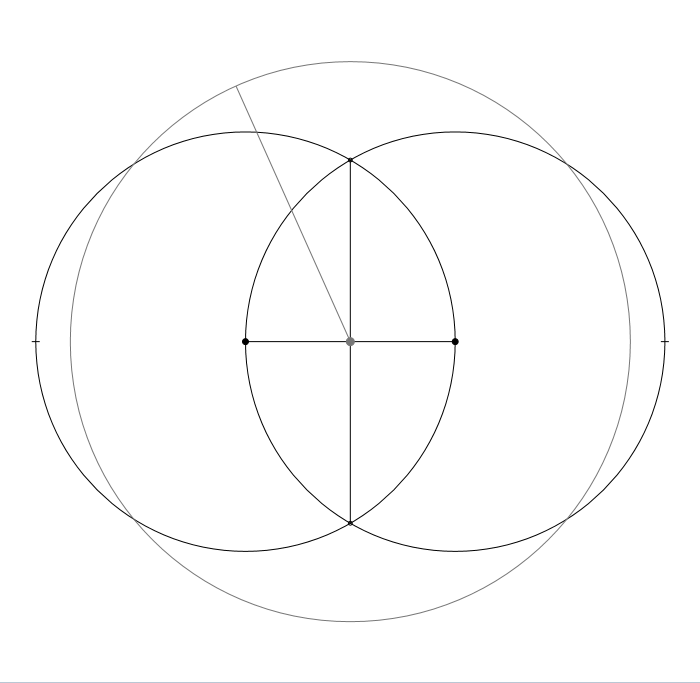
Today I’m releasing Let’s Play: Ancient Greek Geometry. It’s a Compass and Straightedge tool/puzzle game written in JavaScript. I’ve always thought Geometric Construction felt like a puzzle, so to me this pairing was quite natural. Compass and Straight edge is a technique for constructing shapes out of circles, straight lines, and their intersection points. You can read the wikipedia here – but watch out, some of the gifs are spoilers for the game.
I know that there are a few Compass and Straightedge tools out there already, but none have the simplicity, accessibility or fun of a modern web application, so...
Fractal Machine Update
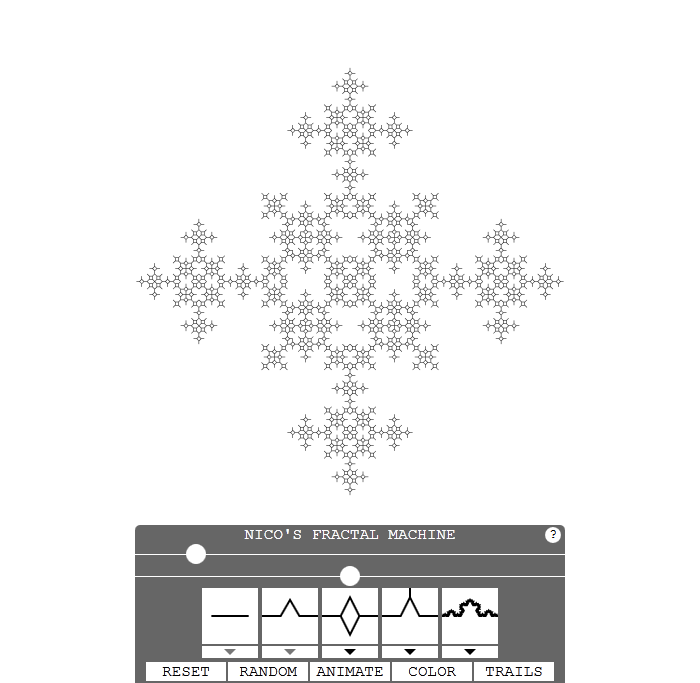
I’ve updated the Fractal Machine. It can now skew the motif asymmetrically and add arms that stick out. It also has a new “Auto” mode that dynamically adjusts the settings while the machine animates. Turning Auto on, and pressing H or ~ to hide the controls and pressing F11 for full screen is now officially the best way to watch the Fractal Machine from the couch. The controls have had an overhaul to fit all this new stuff in.
It should also be much faster, and cope much better when drawing a very detailed fractal that requires millions of lines. I’ve...
����������� ��������
������ �������� � Linux� �������� � ��������������� ����� ������digilinux.ru. ������� ����� ���������� �� linuxgraphics.ru ������ �� �����. ����� � ������� ����� ����� ���������� �������.
����������� ������
� ������ ������� � �� ��������� ����� �� ����������� �������� ���� ����� ����������. �������� ��������� � ��� ��� ����� ������.
Fractal Machine
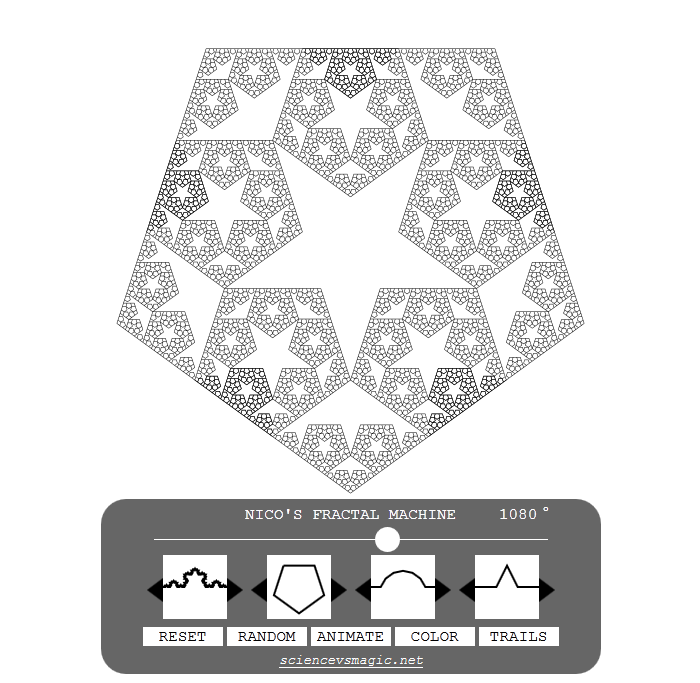
I’ve finished my next project. It’s called the Fractal Machine.
It’s a geometry tool that draws base-motif fractals from five inputs.
If you are unfamiliar with them, fractals are shapes that exhibit self similarity at different scales. This particular type of fractal is created by substituting every line with a shape called the “motif” a number of times.
The Controls
Base changes the base shape the fractal is drawn on. Each side of the polygon will be drawn as one copy of the fractal curve. Segments cuts the motif into more or fewer pieces of equal length. Mirror doubles the protruding part of the motif...������������� ������������ � Blender � Cycles: ����� ������� ����������
������� �������� �������������� ������������ ������ �� Behance � ���������� �� ������������ ������ ������������� ������������ ��� ������ �������. ������ ���� ������� � Blender � Cycles.
������� Ghostscript 9.07
��������� ��������� ���������� ������ � Ghostscript 9.�, ������� Artifex �� ������������ �� �����������. ��������� ���������� ����������� ���������� �������������� Postscript �������� ��������� ��������� ��������, �������������� ���������� �������������.
������� FreeCAD 0.13
������� FreeCAD ���������� ����������� �� ����, ��� �������� ��������� ���� �� ������. ������ ��� ���������� ������ v0.13 �������� �������������� ��������� ����������� ���� �������� ������ ���������.
�������� ����� ���������, ��������� � �����
������� ���������, �� ���� ��������� ������������� ����� ��������� ����� ����������� � ������ ����� (Yanone) ������������ �������� ���Autopsy.