Feed Aram Bartholl [copy] http://datenform.de/blog/feed/ has loading error: cURL error 22: The requested URL returned error: 404 Not Found
Feed Cem TEZCAN [copy] https://yewtu.be/feed/channel/UCGcjzzEmGThh35eeDkvydeg has loading error: A feed could not be found at `https://yewtu.be/feed/channel/UCGcjzzEmGThh35eeDkvydeg`; the status code is `200` and content-type is `text/html`
Feed designboom magazine [copy] http://shalnoff.co.uk/rss.php?rss=designboom has loading error: cURL error 22: The requested URL returned error: 403 Forbidden
Feed formalista.ru [copy] http://feeds.feedburner.com/Formalista?format=xml has loading error: http://feeds.feedburner.com/Formalista?format=xml is invalid XML, likely due to invalid characters. XML error: > required at line 12, column 61
Feed Kinote.info [copy] http://kinote.info/sections/blog/articles.xml has loading error: https://kinote.info/sections/blog/articles.xml is invalid XML, likely due to invalid characters. XML error: Invalid document end at line 1031, column 7
LibreDWG: ����� ������� ��� ����� ������?
�������� ��� ����� �� ����������� ������ ������ ����������� � �������� ������� � ���������� DWG � ��������� ����. ���� ������� ��� ����: ������ ������ ������� ��������� ���������� ������������������ LibreDWG ��������.
� Scribus �������� �������� ����������
�������� ���������� Scribus � ���������� ������ ������ ����������. � ����� ������ �������� ����������� ������ � �������������� ������� �������� ����������.
MyPaint 1.1.0 ������� c ������ ������������� � �������� ����������
������ ������� & Co. ��������� ����� ������ MyPaint � ��������� ��������� ��� �������� ��������. �� ��������� ��� � MyPaint ��������� ������ �������� ���������.
������� Blender 2.65 � ���������� Open Shading Language
����� �� ������� �������� ���������� Blender, ������ � ������ �������� ������� ����� ������ �����-�� ���� �� ������� ��������������� ������ 2.65. �������� �������������� �������, ��� � ����� ������ ������������ ���� ��� ��-���� ��������� Open Shading Language.
inside

pencil & graph paper
hanging

pencil & graph paper
untitled
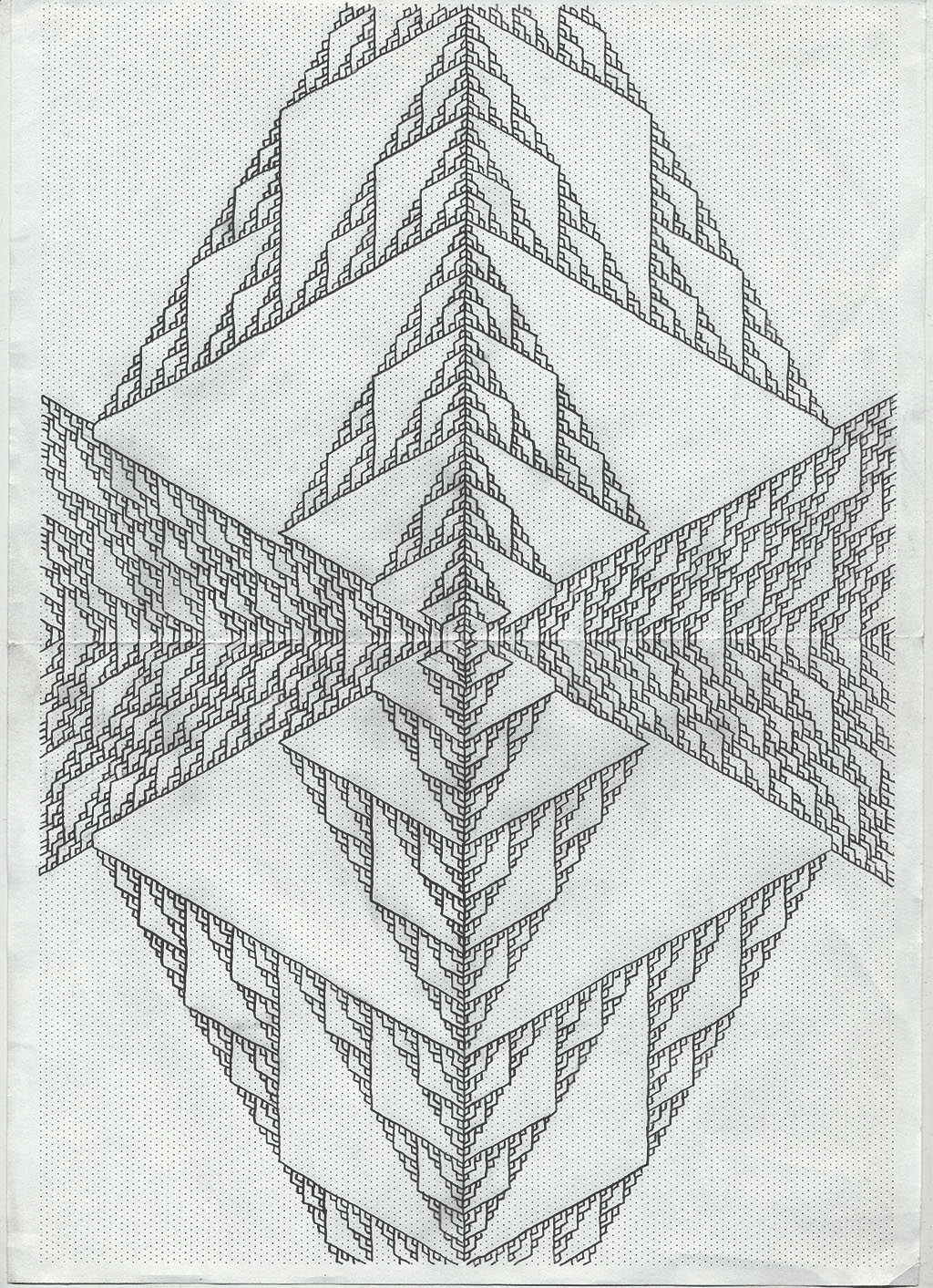
pencil & graph paper
Beta release: How to render OpenStreetMaps using Python and Matplotlib

Introduction: Open Street Maps is an collaboratively developed and open source map database. The entire OSM database or specific portions can be downloaded. The database includes information on roads, political boundaries, natural features, rail lines, trails, and much more. The website can generate output files with sufficient information to create custom and detailed surface street maps for many areas of the world. With Python and Matplotlib the XML data in an OpenStreetMaps OSM file can be rendered as a custom map can be rendered to meet specific needs. Below is an example of a map which can be generated from...
 dataorigami.blogspot.co.uk
A couple of interesting websites on visualizing information …
See
Visual Hint at http://hint.fm/blog/
Visual Complexity at http://www.visualcomplexity.com/vc/
A periodic table of visualization methods at http://www.visual-literacy.org/periodic_table/periodic_table.html
Edward Tufte at http://www.edwardtufte.com/tufte/
The Simple Complexity gallery at http://simplecomplexity.net/visualization-gallery/
Information Asthetics at http://infosthetics.com/
The Processing exhibition at http://www.processing.org/exhibition/
A gallery of art using Context Free at http://www.visual-literacy.org/periodic_table/periodic_table.html
The Matplotlib gallery at http://matplotlib.sourceforge.net/gallery.html
The Pure Data gallery at https://gem.iem.at/
Eigenfactors at http://well-formed.eigenfactor.org/index.html
A site with a good discussion on how to present charts at http://www.excelcharts.com/blog/data-visualization/
A gallery of MayaAVI capabilities at http://code.enthought.com/projects/mayavi/docs/development/html/mayavi/auto/examples.html
A really cool site – www.datamasher.org
dataorigami.blogspot.co.uk
Data Source: Aggregated Data on commercial/retail information
Here is another interesting data source: Aggdata
dataorigami.blogspot.co.uk